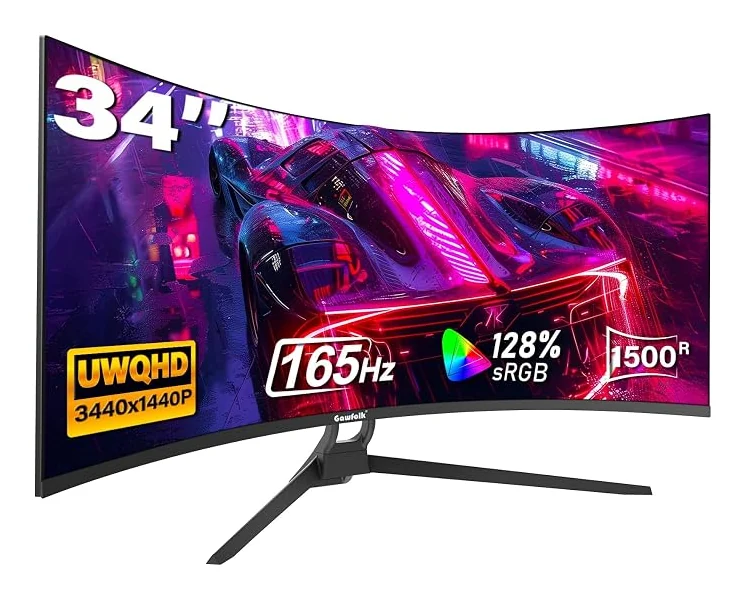
Ultrawide Monitors
Gawfolk GF340C Ultrawide Monitor
34 inches · 3440 × 1440 · 165Hz
$189.99View Product
Explore Gawfolk ultrawide monitors for a wider workspace and a more expansive gaming view. Our collection includes 34-inch 21:9 displays and super ultrawide 32:9 options in the 45-inch and 49-inch classes. Choose between flat and curved models, compare native resolutions, and review each configuration's refresh rate. Selected monitors also offer picture-in-picture or picture-by-picture modes for two input sources. Before choosing, measure your desk, check the stand or VESA pattern, and confirm your graphics output supports your intended resolution and refresh mode. Our individual product pages explain the important differences so you can select a display around your actual setup.
34 inches · 3440 × 1440 · 165Hz
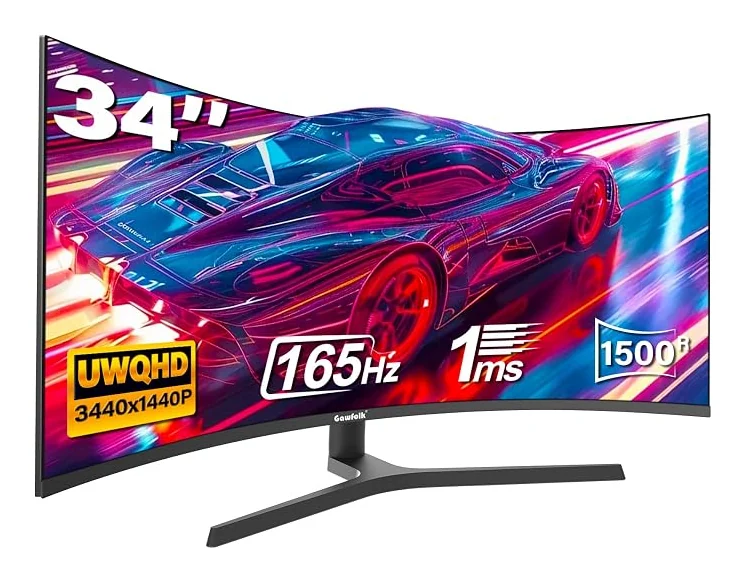
34 inches · 3440 × 1440 · 165Hz
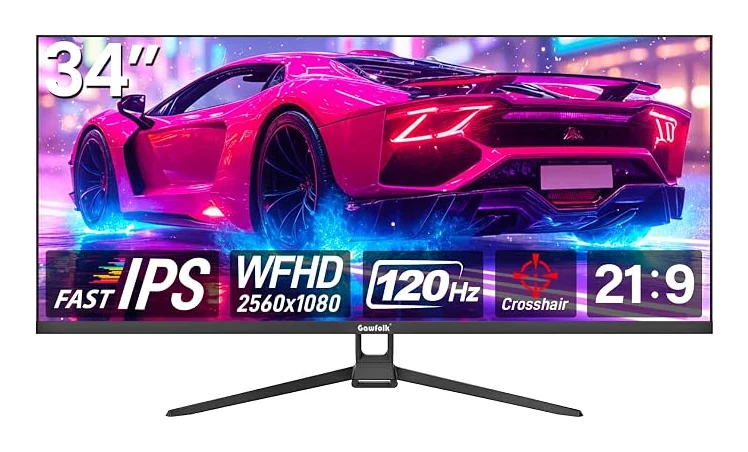
34 inches · 2560 × 1080 · 120Hz
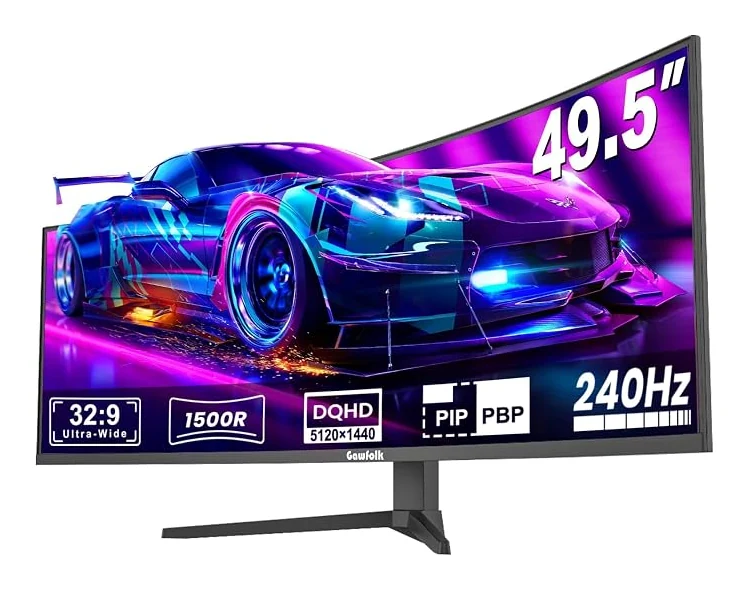
49 inches · 5120 × 1440 · 240Hz
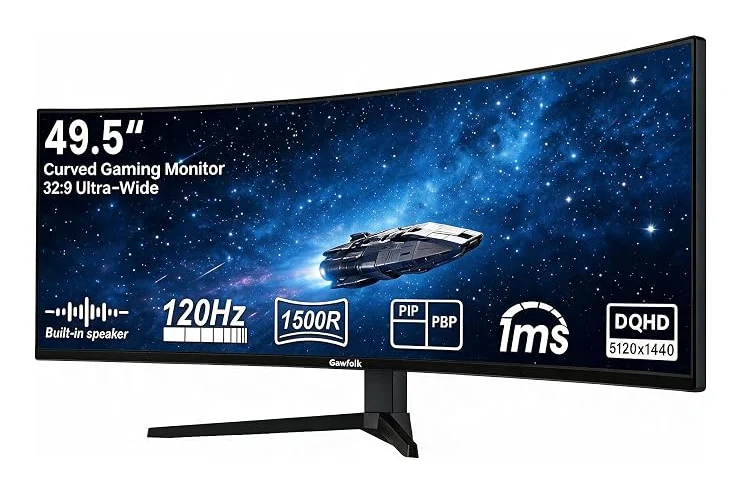
49 inches · 5120 × 1440 · 120Hz
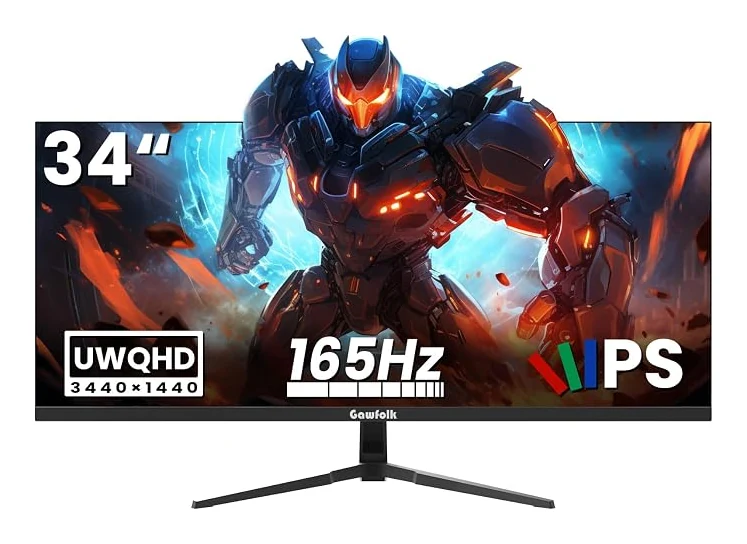
34 inches · 3440 × 1440 · 165Hz
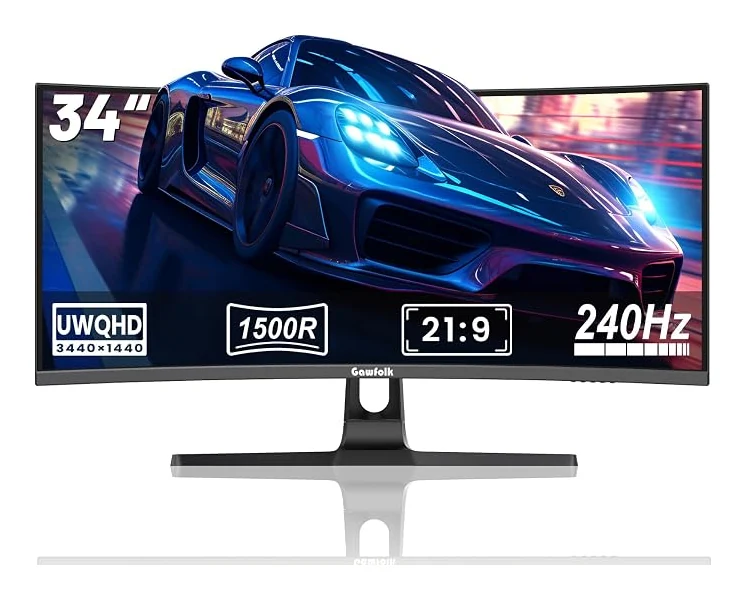
34 inches · 3440 × 1440 · 240Hz
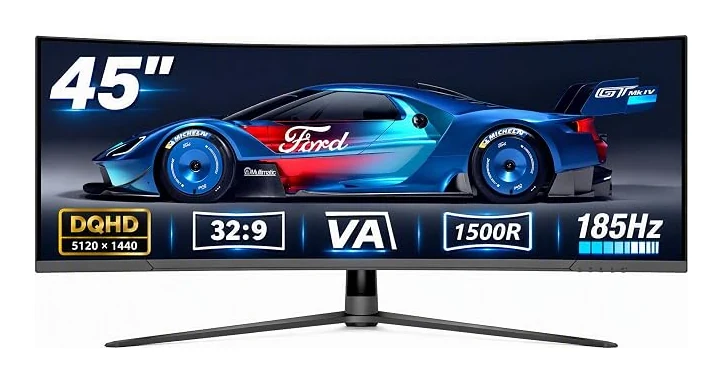
45 inches · 5120 × 1440 · 185Hz
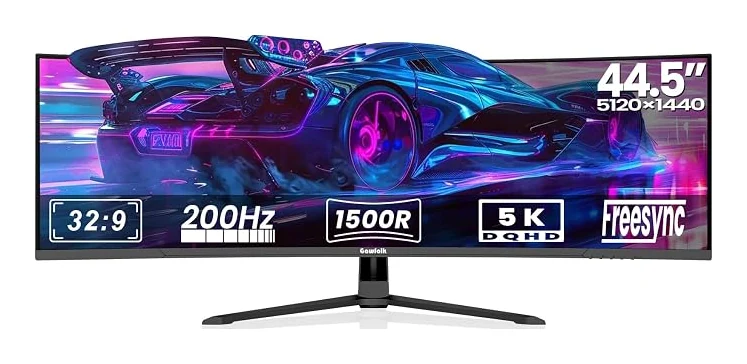
44.5 inches · 5120 × 1440 · 200Hz
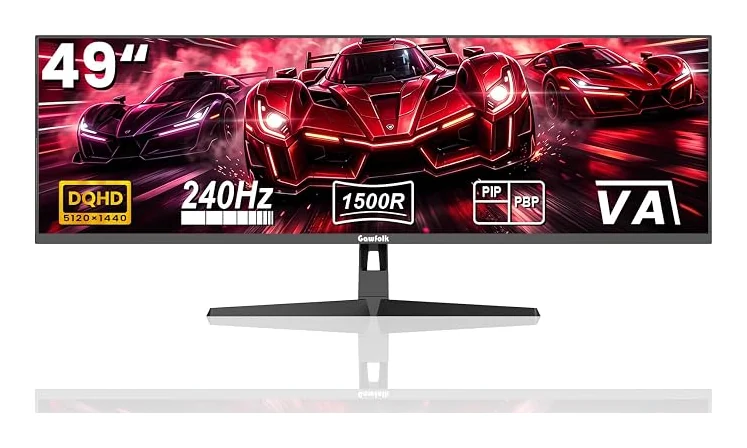
49.5 inches · 5120 × 1440 · 240Hz
No matching monitors. Try another model, size or resolution.
A curved ultrawide monitor can be worthwhile if a wide, continuous workspace suits your tasks or games. Gawfolk offers 21:9 and 32:9 configurations with different resolutions and refresh rates. Measure your desk and consider your viewing distance before choosing. Also check software support: a wider display is useful only when your applications and graphics source can use its format.
Ultrawide monitors can provide room for design tools, timelines and reference windows beside your work. Panel technology, native resolution and color requirements still matter separately from screen width. Compare the exact Gawfolk model's specifications, and verify any calibration requirements for your workflow. A wider format alone is not a guarantee of suitability for color-critical production.
Ultrawide monitors can give supported games a wider view, but the result depends on the game and source device. Our Gawfolk ultrawide range includes 21:9 and 32:9 options with different refresh rates. Check native aspect-ratio support and graphics performance before purchasing. Games that only output a standard format may show borders or offer different scaling behavior.
Ultrawide monitors can make it easier to arrange several windows across one continuous desktop. Selected Gawfolk models also support PIP or PBP for showing two input sources. Those functions are model-specific, so review the product details. Consider the resolution and window sizes you need, as well as your desk space, before replacing a multi-monitor arrangement.
An ultrawide monitor has a wider aspect ratio than a standard 16:9 display. Gawfolk offers 21:9 models and 32:9 super ultrawide models. Screen width, resolution and curvature are separate specifications: a wide screen is not automatically a UHD 4K display. Compare the native pixel dimensions on each product page to understand the workspace that configuration provides.