A clear view
3440 × 1440 native resolution on a 34-inch screen.
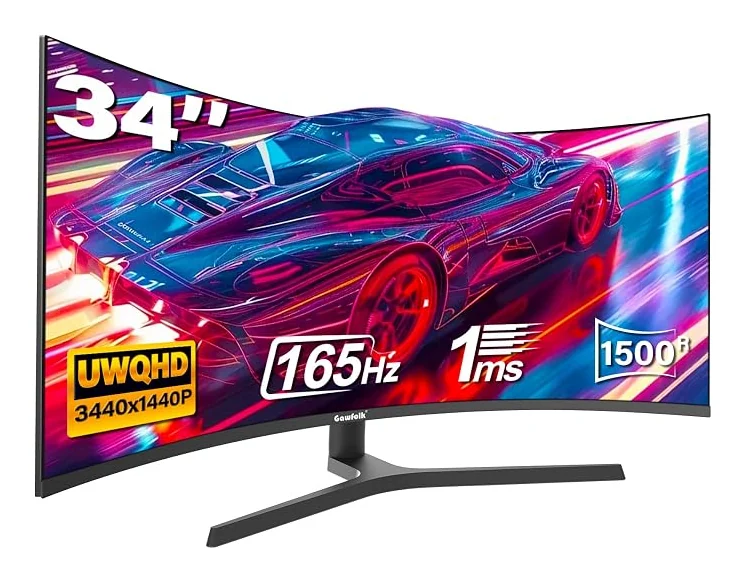
Find your view with the GF340C-SJ: a 34-inch VA display with 3440 × 1440 resolution and a 165Hz refresh rate. Its 1500R curve brings the screen around your view.
Product identifier: B0FD3Y6DRJ
3440 × 1440 native resolution on a 34-inch screen.
165Hz refresh rate. Match your graphics output, cable and selected input to the intended mode.
21:9 aspect ratio with 1500R curvature.
2 × HDMI 2.0 up to 120Hz; 2 × DisplayPort 1.4 up to 165Hz
Height adjustment from 2.8 to 7.4 inches; 75 × 75mm VESA
AMD FreeSync · 99% sRGB · 300 cd/m² brightness
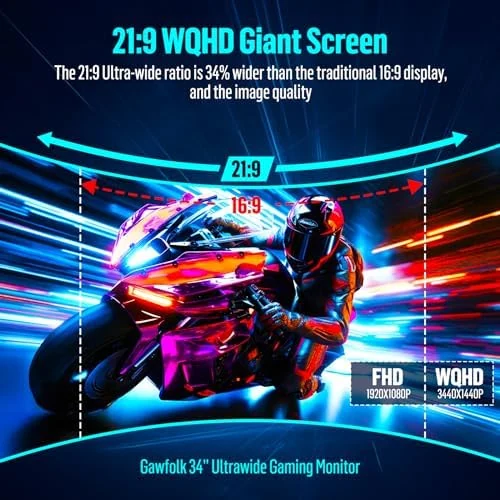
The 34-inch VA panel combines 3440 × 1440 resolution with 1500R curvature. Use the wider canvas to arrange windows, timelines and supported games across a continuous desktop.
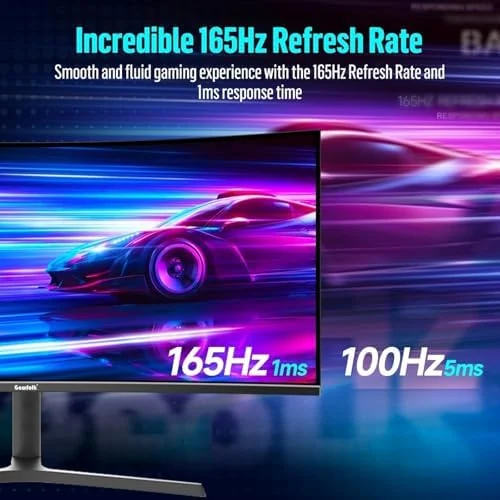
A 165Hz refresh rate gives this configuration its own place in the range. AMD FreeSync. Select a supported display mode on your device after connecting, and review the input-specific guidance before choosing your cable.
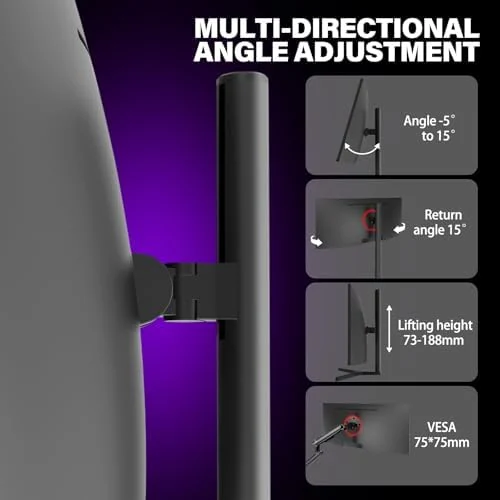
2 × HDMI 2.0 up to 120Hz; 2 × DisplayPort 1.4 up to 165Hz. Height adjustment from 2.8 to 7.4 inches; 75 × 75mm VESA. 300 cd/m² brightness. Compare these details with your existing equipment before deciding on a desk or arm arrangement.
This ultrawide format suits side-by-side windows, editing timelines and games that support its native aspect ratio. Select the display mode supported by your equipment, then adjust your position and screen angle for your desk.
Use DisplayPort to reach 165Hz. HDMI supports up to 120Hz. Height, tilt and angle adjustment are available on the included stand; a VESA mount is separate. HDMI and DisplayPort cables are included.
| Model | GF340C-SJ |
|---|---|
| Screen size | 34 inches |
| Resolution | 3440 × 1440 |
| Aspect ratio | 21:9 |
| Refresh rate | 165Hz |
| Panel | VA |
| Screen shape / curvature | 1500R |
| Color | Black |
| Connections | 2 × HDMI 2.0 up to 120Hz; 2 × DisplayPort 1.4 up to 165Hz |
| Stand / mounting | Height adjustment from 2.8 to 7.4 inches; 75 × 75mm VESA |
| Included components | 1*DP Cable, 1*HDMI Cable, 1*User manual, 34 inch ultrawide monitor, Base and stand |
| Product identifier | B0FD3Y6DRJ |
★★★★★Love the wide monitor. Allows me to even put two apps on one screen and use them effectively.
Robert M.
The GF340C-SJ has a 34 inches screen, 3440 × 1440 native resolution and a 21:9 aspect ratio. Its panel is 1500R curved.
2 × HDMI 2.0 up to 120Hz; 2 × DisplayPort 1.4 up to 165Hz. Confirm the supported timing on your graphics device and cable, then choose the desired supported resolution and refresh rate in display settings.
Use DisplayPort to reach 165Hz. HDMI supports up to 120Hz. Height, tilt and angle adjustment are available on the included stand; a VESA mount is separate. HDMI and DisplayPort cables are included.
Black · 165Hz · $199.49
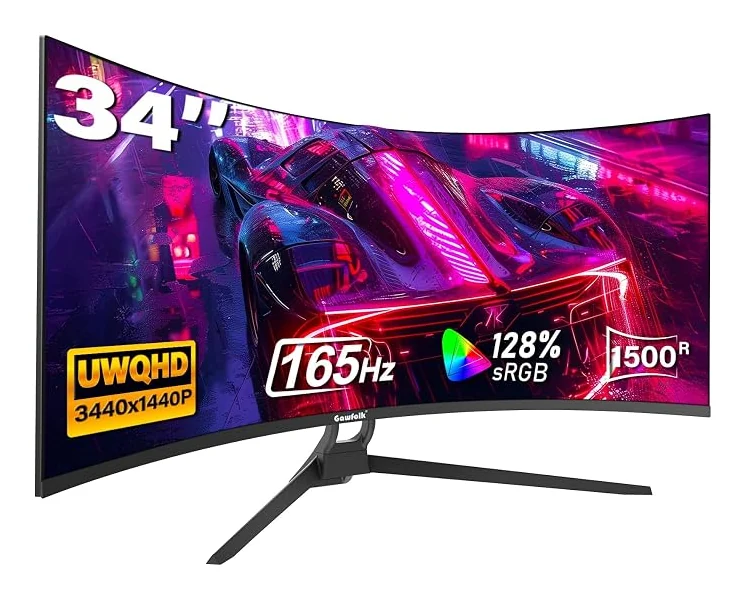
34 inches · 3440 × 1440 · 165Hz
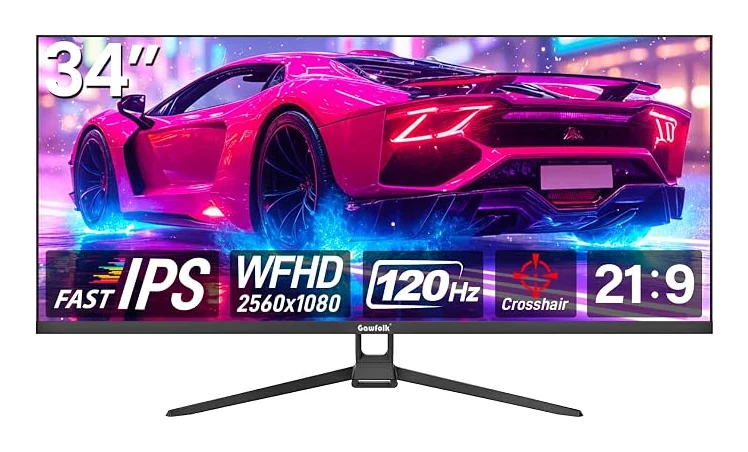
34 inches · 2560 × 1080 · 120Hz
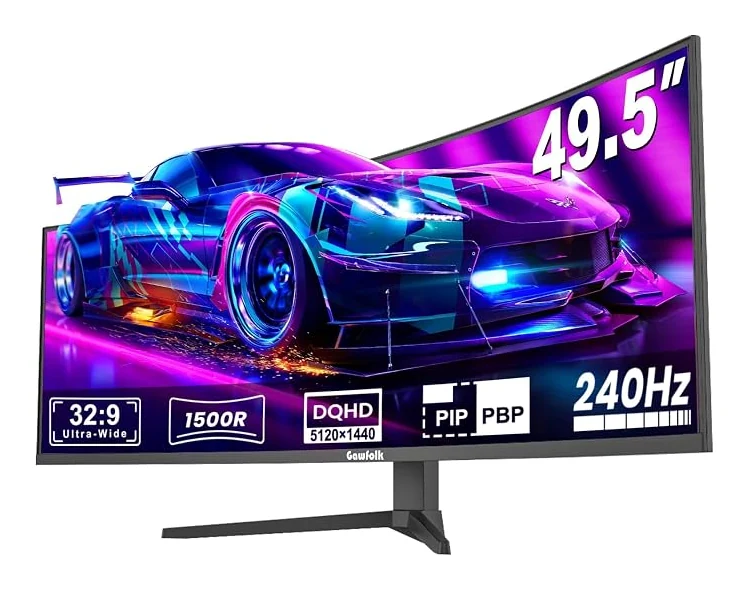
49 inches · 5120 × 1440 · 240Hz