Explore your next display
Gawfolk Gaming Monitors
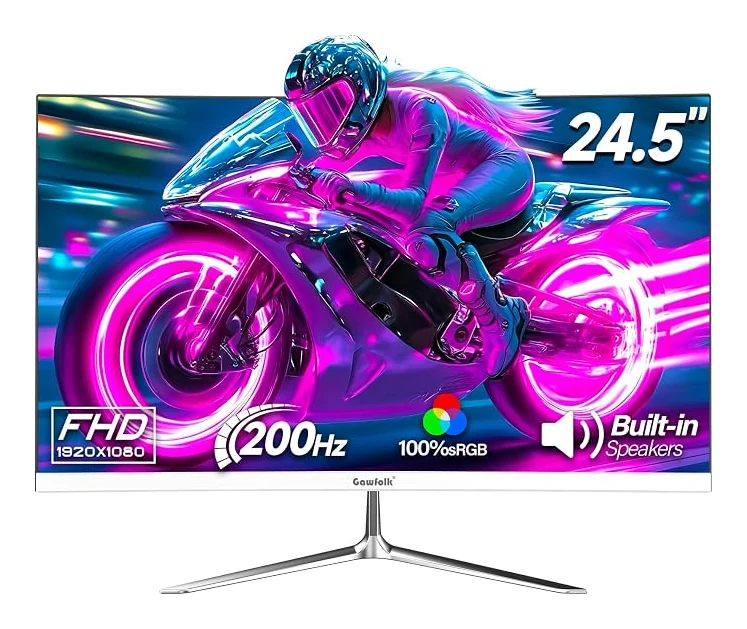
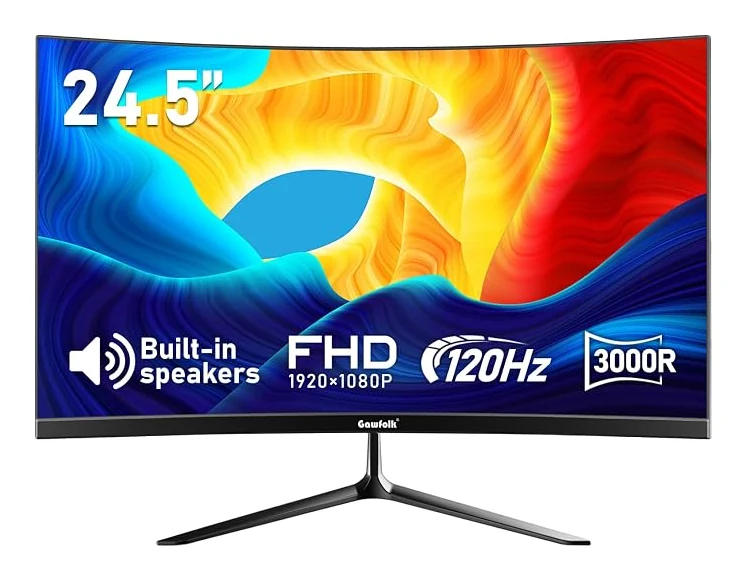
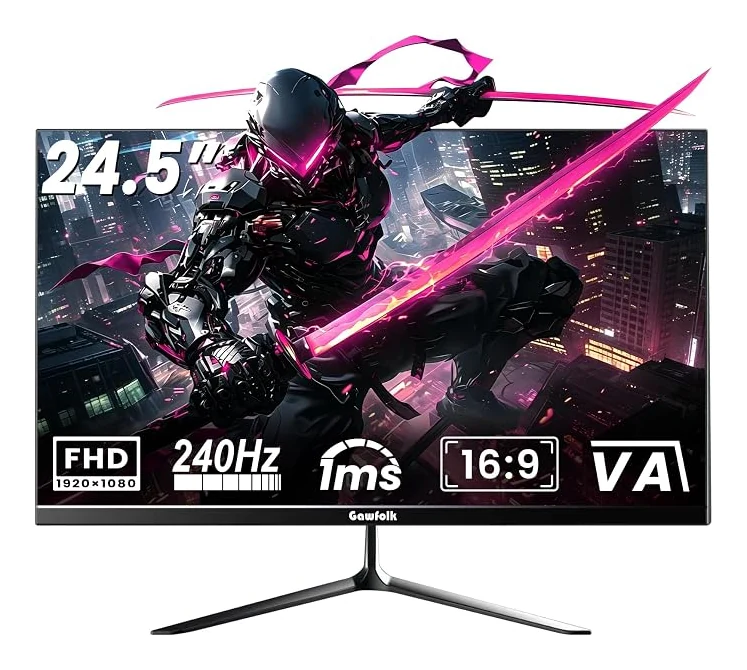
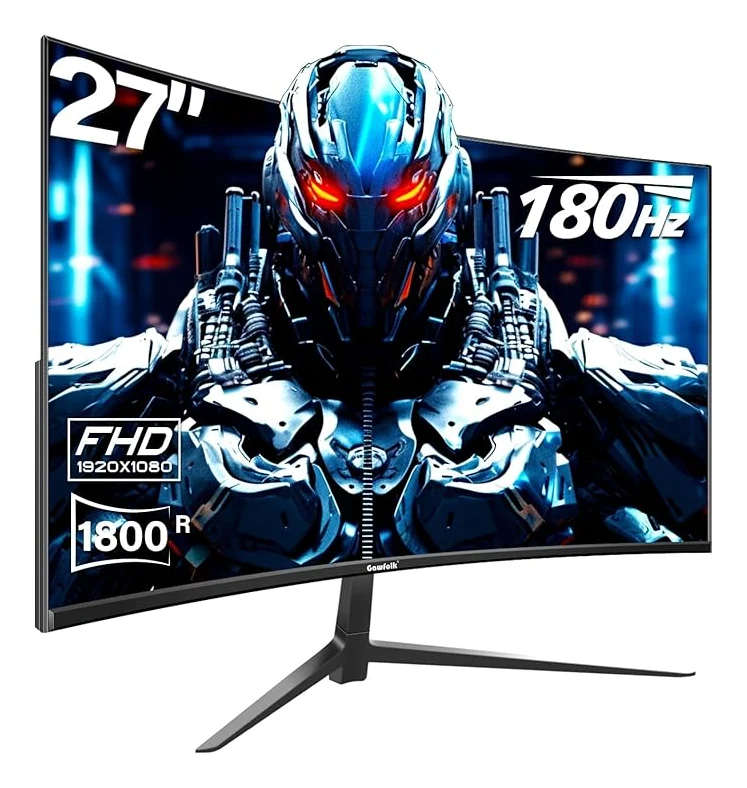
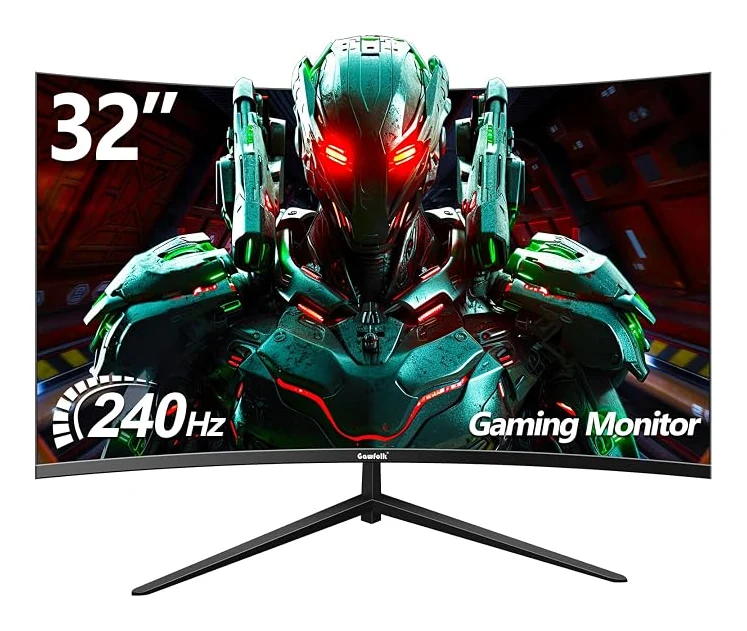
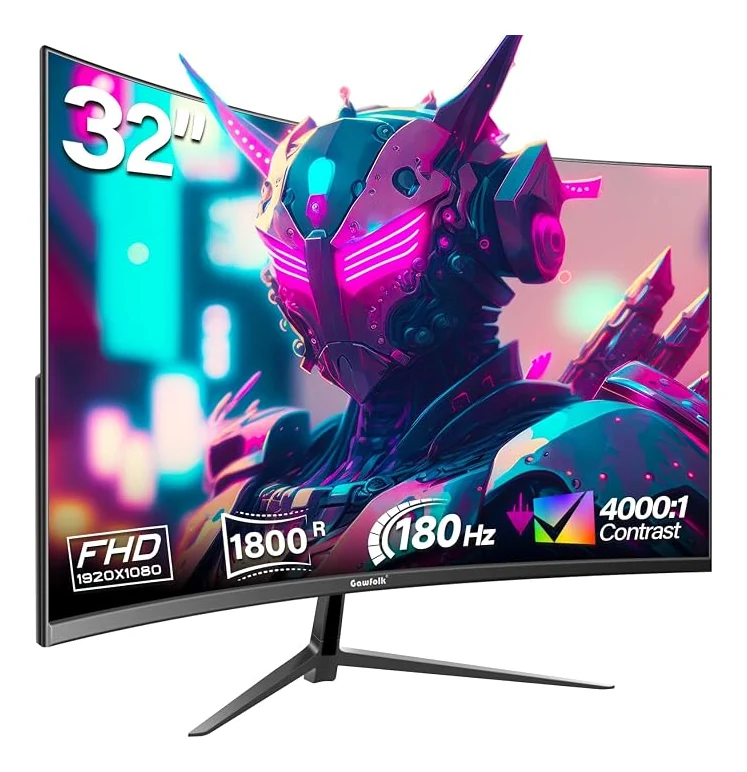
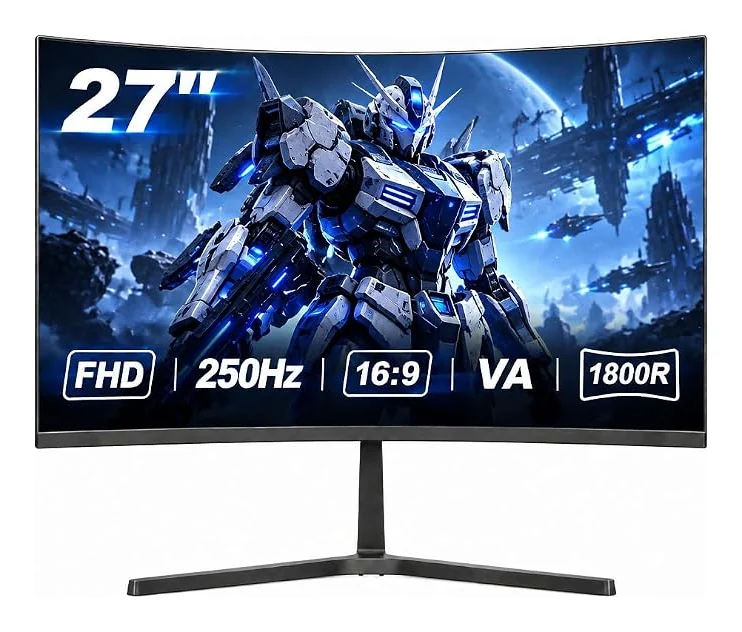
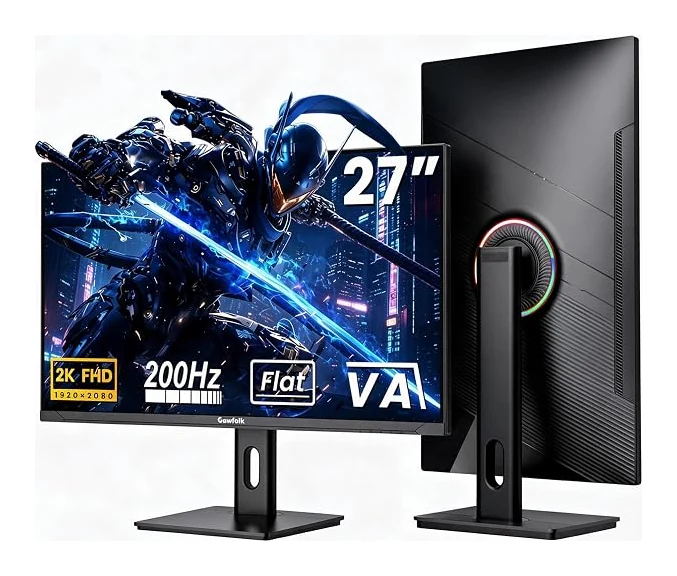
Gawfolk gaming monitors bring a choice of screen sizes, flat and curved panels, and refresh rates to your desk. Our collection includes compact 24.5-inch displays alongside larger 27-inch and 32-inch options. Compare Full HD resolution, connection limits, built-in audio and mounting details to find a configuration that fits your setup. A higher refresh mode also depends on your computer, cable and selected input, so review each model's connection guidance before buying. Whether you prefer a white desk setup or a black curved display, explore the specifications and choose the Gawfolk monitor that suits the way you play and work.
8 models
No matching monitors. Try another model, size or resolution.
Gawfolk Gaming Monitors questions
How to choose a gaming monitor?
Choose a gaming monitor by matching its size, resolution, refresh rate and inputs to your computer and desk. Our Gawfolk product pages identify the specific configuration and available connections. Check the refresh limit of each port, your graphics output and your cable before choosing a high-refresh mode. Built-in speakers and VESA mounting can also influence your setup.
Are curved monitors good for gaming?
Curved monitors can suit gaming when you prefer a screen that wraps around your view. Our curved Gawfolk models offer different sizes and curve radii; our flat models provide an alternative for a straight panel. Consider your viewing distance, desk width and the games you play. Curvature alone does not determine resolution, motion performance or input compatibility.
Do gaming monitors have speakers?
Some gaming monitors have built-in speakers, while others require separate audio equipment. Several Gawfolk configurations include speakers, and the relevant product details identify that feature. Check the exact model and option rather than assuming that every monitor in a series has the same audio setup. Also confirm whether your selected connection carries audio from the source device.
What is a gaming monitor?
A gaming monitor is a display designed with features useful for playing games, such as higher refresh modes or adaptive synchronization. Our Gawfolk range includes different resolutions, screen shapes and connection options. The monitor displays the signal from your computer or console; it does not replace that device. Choose the configuration around the output your equipment can provide.
How many Hz is good for a gaming monitor?
The useful refresh rate depends on the frame rates your games and hardware can produce. Gawfolk models in this collection offer options from 120Hz through 250Hz. Check the exact product and connection: some models reach their maximum over DisplayPort while HDMI supports a lower limit. Select the desired supported rate in your device's display settings after connecting.