A clear view
1920 × 1080 native resolution on a 27-inch screen.
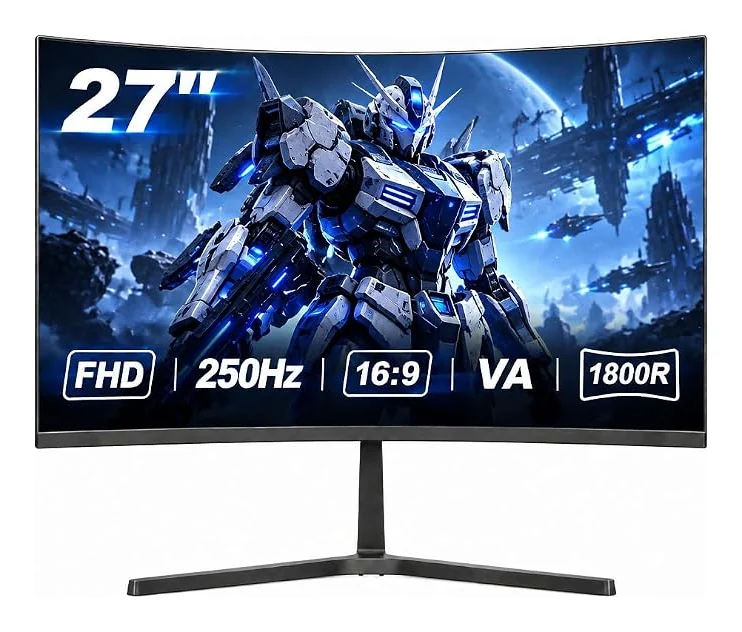
Find your view with the GF600F: a 27-inch VA display with 1920 × 1080 resolution and a 250Hz refresh rate. Its 1800R curve brings the screen around your view.
Product identifier: B0H39C2KQD
1920 × 1080 native resolution on a 27-inch screen.
250Hz refresh rate. Match your graphics output, cable and selected input to the intended mode.
16:9 aspect ratio with 1800R curvature.
2 × HDMI 2.0; 2 × DisplayPort 1.4; 3.5mm headphone jack
100 × 100mm VESA; tilt-adjustable stand
Dual 3W speakers · FreeSync, crosshair and black equalizer · 3000:1 static contrast
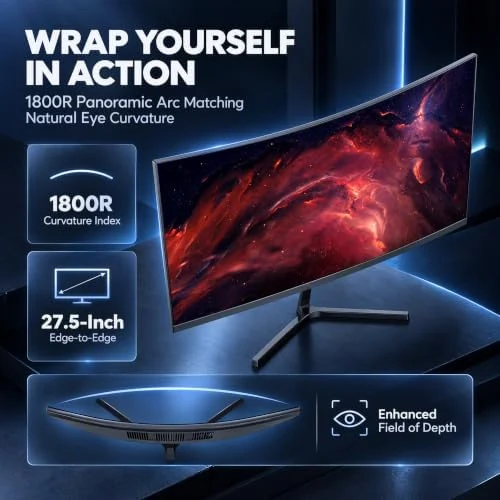
The 27-inch VA panel combines 1920 × 1080 resolution with 1800R curvature. Match your display format to the content, games and desktop layout you use each day.
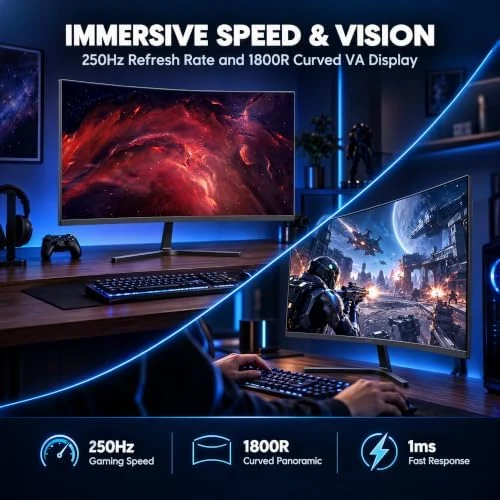
A 250Hz refresh rate gives this configuration its own place in the range. Dual 3W speakers. Select a supported display mode on your device after connecting, and review the input-specific guidance before choosing your cable.
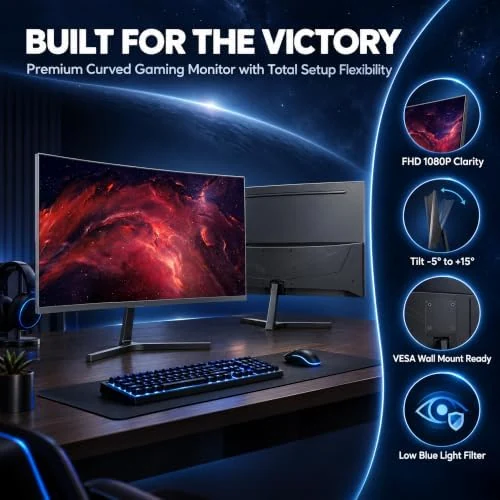
2 × HDMI 2.0; 2 × DisplayPort 1.4; 3.5mm headphone jack. 100 × 100mm VESA; tilt-adjustable stand. 3000:1 static contrast. Compare these details with your existing equipment before deciding on a desk or arm arrangement.
Use this configuration for compatible PC gaming, everyday desktop tasks and entertainment. Select the display mode supported by your equipment, then adjust your position and screen angle for your desk.
Check graphics output and input timing for the desired 250Hz mode. Use the joystick/OSD controls for overdrive, crosshair and black equalizer settings. A compatible arm must match the 100 × 100mm pattern.
| Model | GF600F |
|---|---|
| Screen size | 27 inches |
| Resolution | 1920 × 1080 |
| Aspect ratio | 16:9 |
| Refresh rate | 250Hz |
| Panel | VA |
| Screen shape / curvature | 1800R |
| Color | Black |
| Connections | 2 × HDMI 2.0; 2 × DisplayPort 1.4; 3.5mm headphone jack |
| Stand / mounting | 100 × 100mm VESA; tilt-adjustable stand |
| Included components | DisplayPort x 1, HDMI x 1, USB x 1, Audio out x 1, monitor x 1, user manual x 1, power adpter x 1, stand base x 1, DP cable x 1 |
| Product identifier | B0H39C2KQD |
The GF600F has a 27 inches screen, 1920 × 1080 native resolution and a 16:9 aspect ratio. Its panel is 1800R curved.
2 × HDMI 2.0; 2 × DisplayPort 1.4; 3.5mm headphone jack. Confirm the supported timing on your graphics device and cable, then choose the desired supported resolution and refresh rate in display settings.
Check graphics output and input timing for the desired 250Hz mode. Use the joystick/OSD controls for overdrive, crosshair and black equalizer settings. A compatible arm must match the 100 × 100mm pattern.
Black · 250Hz · $119.99