A clear view
5120 × 1440 native resolution on a 44.5-inch screen.
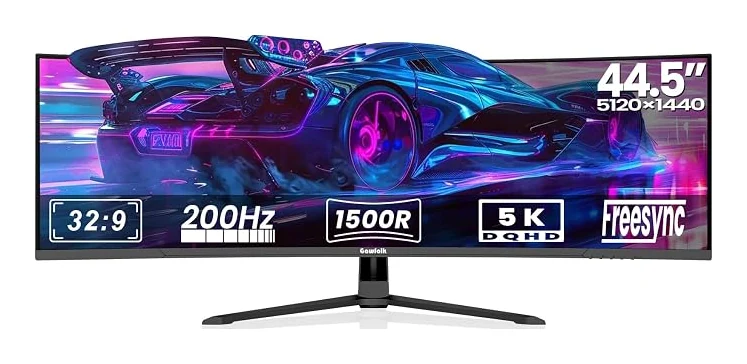
Find your view with the GFTY993: a 44.5-inch VA display with 5120 × 1440 resolution and a 200Hz refresh rate. Its 1500R curve brings the screen around your view.
Product identifier: B0GLPFR5KR
5120 × 1440 native resolution on a 44.5-inch screen.
200Hz refresh rate. Match your graphics output, cable and selected input to the intended mode.
32:9 aspect ratio with 1500R curvature.
2 × HDMI 2.1; 2 × DisplayPort 1.4
100 × 100mm VESA; tilt-adjustable stand
PIP and PBP modes · Built-in speakers and rear lighting · FreeSync and G-Sync compatibility
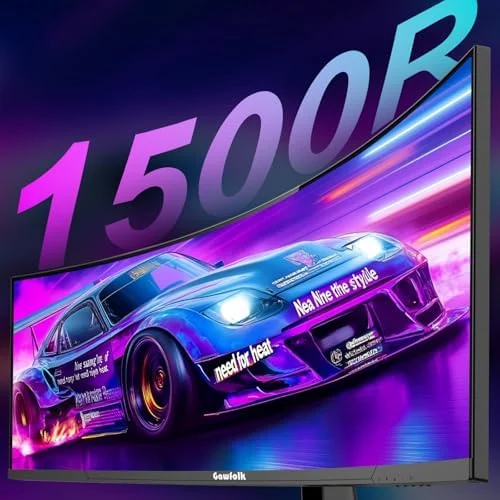
The 44.5-inch VA panel combines 5120 × 1440 resolution with 1500R curvature. Use the wider canvas to arrange windows, timelines and supported games across a continuous desktop.
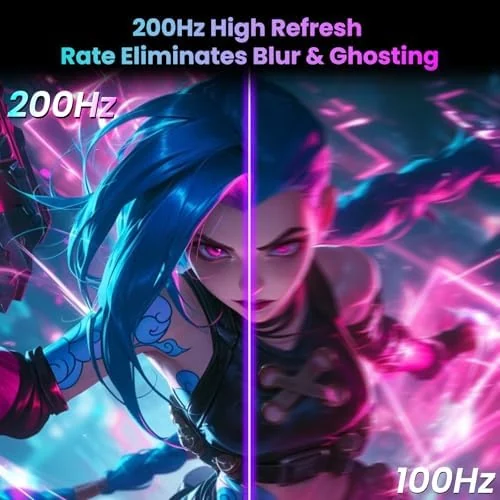
A 200Hz refresh rate gives this configuration its own place in the range. PIP and PBP modes. Select a supported display mode on your device after connecting, and review the input-specific guidance before choosing your cable.
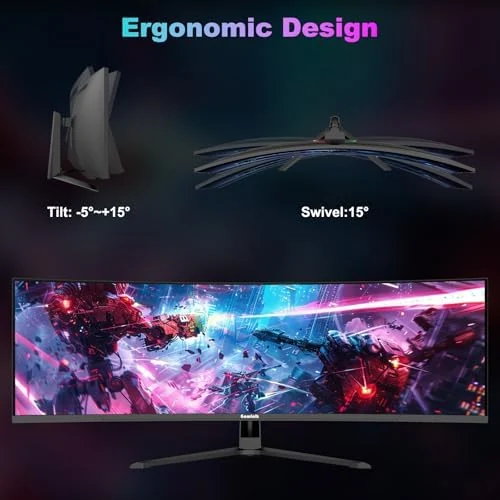
2 × HDMI 2.1; 2 × DisplayPort 1.4. 100 × 100mm VESA; tilt-adjustable stand. FreeSync and G-Sync compatibility. Compare these details with your existing equipment before deciding on a desk or arm arrangement.
This ultrawide format suits side-by-side windows, editing timelines and games that support its native aspect ratio. Select the display mode supported by your equipment, then adjust your position and screen angle for your desk.
Allow room for a super ultrawide display and use a mount rated for its size and weight. The 45-inch class monitor has a 44.5-inch screen measurement. Its resolution is 5120 × 1440, rather than 3840 × 2160 UHD.
| Model | GFTY993 |
|---|---|
| Screen size | 44.5 inches |
| Resolution | 5120 × 1440 |
| Aspect ratio | 32:9 |
| Refresh rate | 200Hz |
| Panel | VA |
| Screen shape / curvature | 1500R |
| Color | Black |
| Connections | 2 × HDMI 2.1; 2 × DisplayPort 1.4 |
| Stand / mounting | 100 × 100mm VESA; tilt-adjustable stand |
| Product identifier | B0GLPFR5KR |
The GFTY993 has a 44.5 inches screen, 5120 × 1440 native resolution and a 32:9 aspect ratio. Its panel is 1500R curved.
2 × HDMI 2.1; 2 × DisplayPort 1.4. Confirm the supported timing on your graphics device and cable, then choose the desired supported resolution and refresh rate in display settings.
Allow room for a super ultrawide display and use a mount rated for its size and weight. The 45-inch class monitor has a 44.5-inch screen measurement. Its resolution is 5120 × 1440, rather than 3840 × 2160 UHD.
Black · 200Hz · $529.99
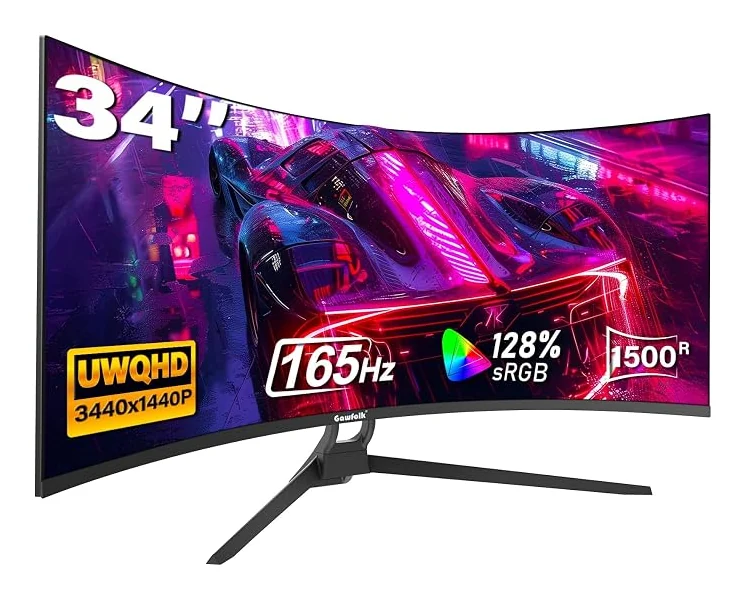
34 inches · 3440 × 1440 · 165Hz
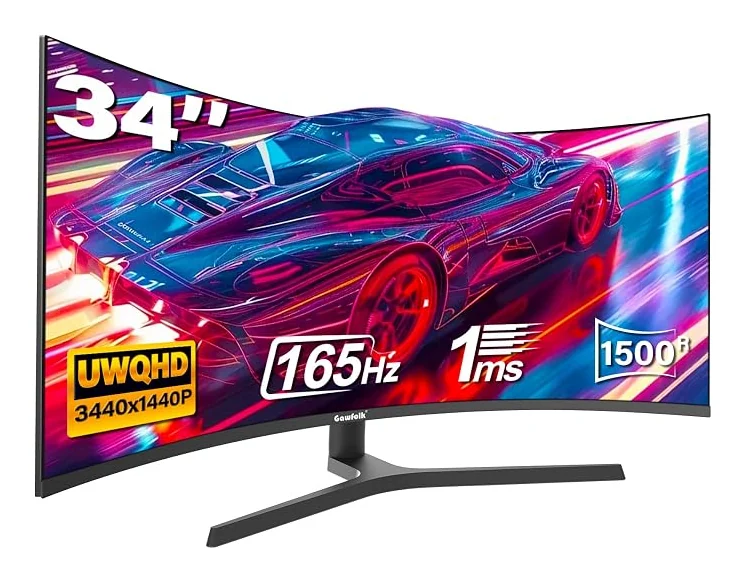
34 inches · 3440 × 1440 · 165Hz
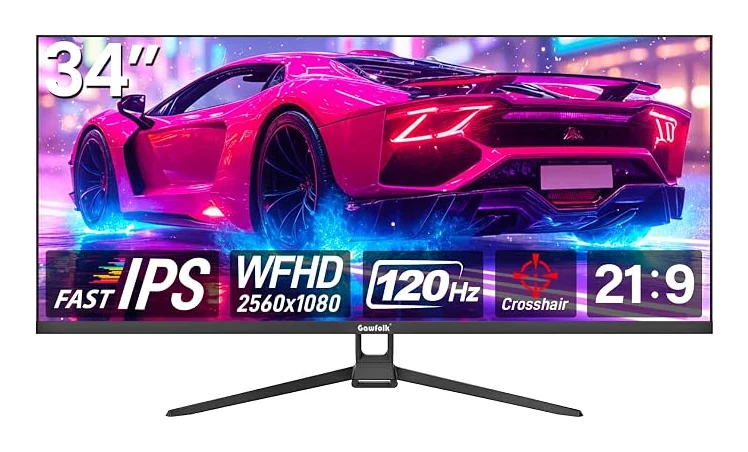
34 inches · 2560 × 1080 · 120Hz