A clear view
5120 × 1440 native resolution on a 49-inch screen.
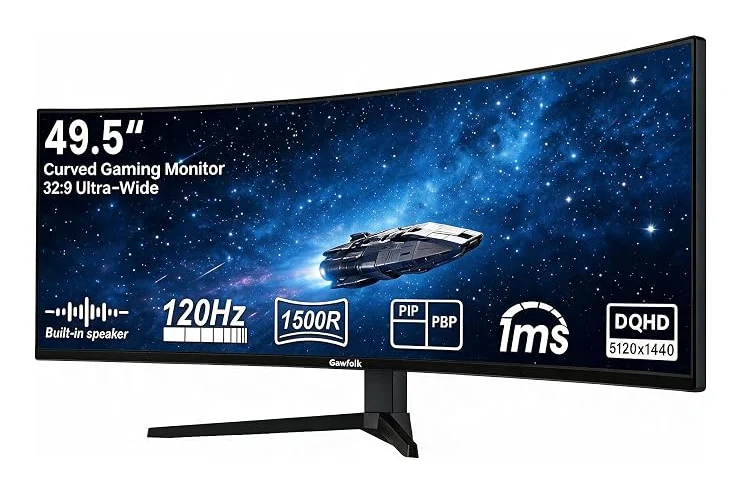
Find your view with the GF490E: a 49-inch VA display with 5120 × 1440 resolution and a 120Hz refresh rate. Its 1500R curve brings the screen around your view.
Product identifier: B0H15B7NT1
5120 × 1440 native resolution on a 49-inch screen.
120Hz refresh rate. Match your graphics output, cable and selected input to the intended mode.
32:9 aspect ratio with 1500R curvature.
HDMI and DisplayPort 1.4; audio out
Height and tilt adjustment; 100 × 100mm VESA
PIP and PBP split-screen · Adaptive Sync / FreeSync Premium · 1ms MPRT response
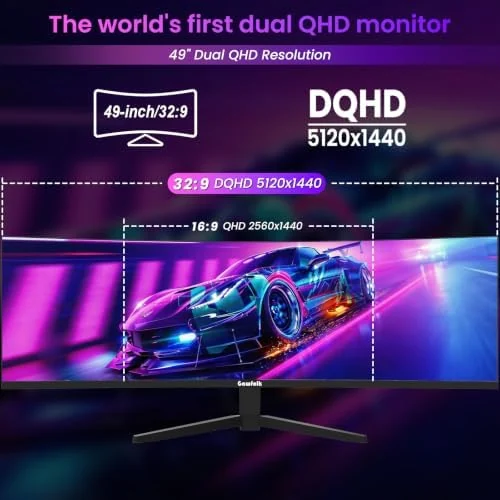
The 49-inch VA panel combines 5120 × 1440 resolution with 1500R curvature. Use the wider canvas to arrange windows, timelines and supported games across a continuous desktop.
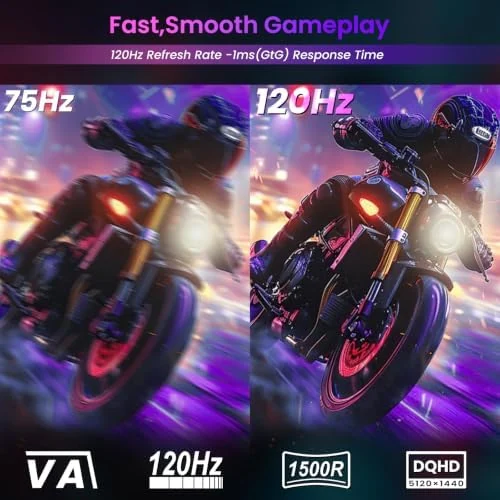
A 120Hz refresh rate gives this configuration its own place in the range. PIP and PBP split-screen. Select a supported display mode on your device after connecting, and review the input-specific guidance before choosing your cable.
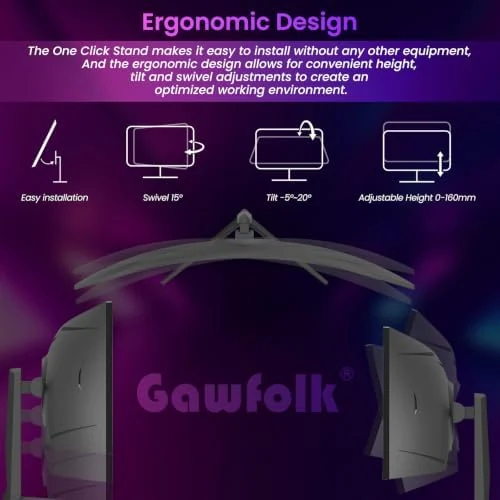
HDMI and DisplayPort 1.4; audio out. Height and tilt adjustment; 100 × 100mm VESA. 1ms MPRT response. Compare these details with your existing equipment before deciding on a desk or arm arrangement.
This ultrawide format suits side-by-side windows, editing timelines and games that support its native aspect ratio. Select the display mode supported by your equipment, then adjust your position and screen angle for your desk.
Measure space for the 49-inch 32:9 panel. Use supported 5120 × 1440 timings from your graphics device. PIP and PBP enable two input sources; check your work layout before replacing a dual-monitor setup.
| Model | GF490E |
|---|---|
| Screen size | 49 inches |
| Resolution | 5120 × 1440 |
| Aspect ratio | 32:9 |
| Refresh rate | 120Hz |
| Panel | VA |
| Screen shape / curvature | 1500R |
| Color | Black |
| Connections | HDMI and DisplayPort 1.4; audio out |
| Stand / mounting | Height and tilt adjustment; 100 × 100mm VESA |
| Product identifier | B0H15B7NT1 |
★★★★★Perfect for my office set up! Wish me luck on setting it up on the stand 🤣
Leah
The GF490E has a 49 inches screen, 5120 × 1440 native resolution and a 32:9 aspect ratio. Its panel is 1500R curved.
HDMI and DisplayPort 1.4; audio out. Confirm the supported timing on your graphics device and cable, then choose the desired supported resolution and refresh rate in display settings.
Measure space for the 49-inch 32:9 panel. Use supported 5120 × 1440 timings from your graphics device. PIP and PBP enable two input sources; check your work layout before replacing a dual-monitor setup.
Black · 120Hz · $499.99
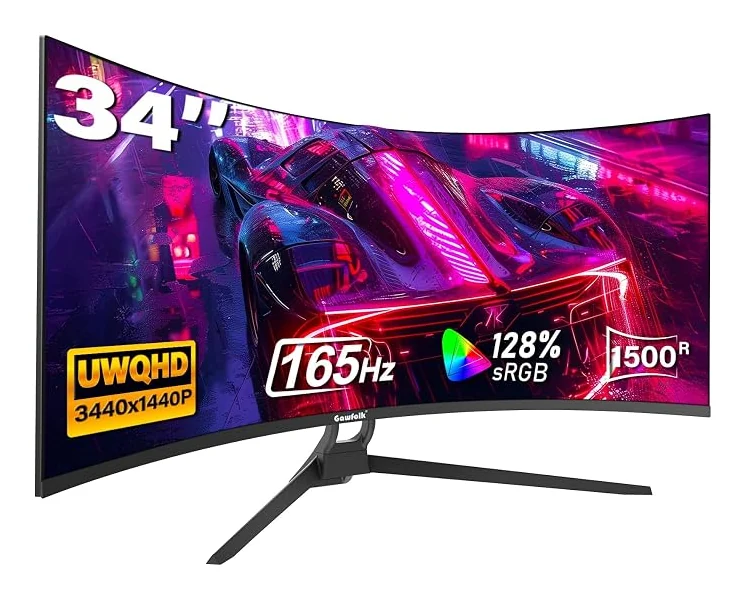
34 inches · 3440 × 1440 · 165Hz
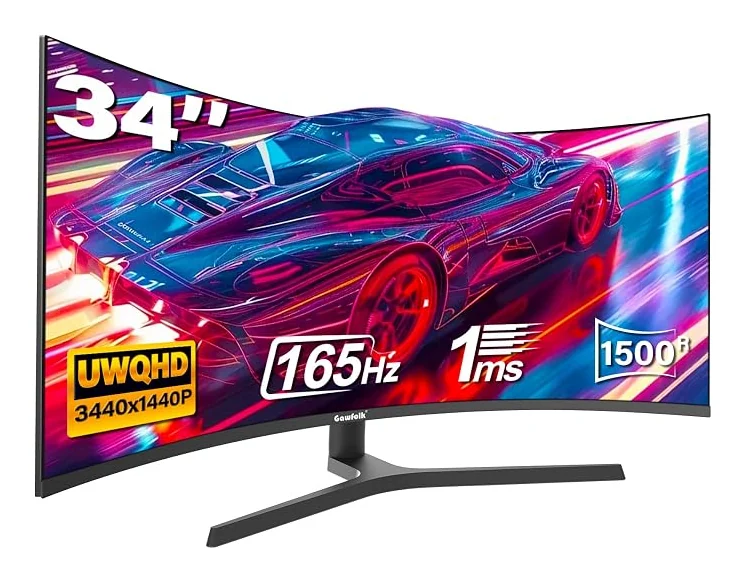
34 inches · 3440 × 1440 · 165Hz
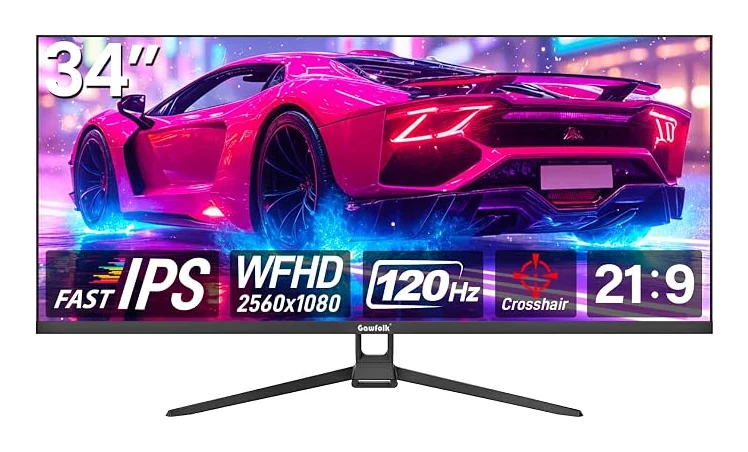
34 inches · 2560 × 1080 · 120Hz